Accéder au contenu
Parlez à un expert en simulateurs : 0800-288-8805
GolfBays
Golf Simulators

Golf Simulators

  • Forfaits simulateur de golf
  • Forfaits simulateur de golf premium
  • Forfaits de simulateur de golf abordables
  • Enceintes pour simulateur de golf
  • Écrans d'impact de golf
  • Simulateurs de golf pour garage
  • Cabanes de golf et pièces de jardin
  • Service de conception de simulateur de golf
  • Accessoires et extras pour simulateur de golf
  • Guide du simulateur de golf
  • Shop All Golf Simulators

Impact Screens

  • Tous les écrans de protection
  • Meilleurs écrans d'impact pour golf
  • Écrans d'impact de golf Preferred
  • Écrans d'impact de golf essentiels
  • Écrans d'impact 4K gris
  • Écrans d’impact incurvés
  • Écrans d'impact de golf rétractables
  • Écrans de frappe de golf sur mesure
  • FAQ sur les écrans d'impact de golf
  • Shop All Impact Screens

Golf Simulator Packages

  • SkyTrak + Pack simulateur de golf
  • Forfait simulateur de golf FlightScope
  • Simulateur de golf Foresight
  • Forfaits simulateur de golf Uneekor
  • Forfaits simulateur de golf Garmin
  • Paquets de simulateur de golf Square
  • Packagess ProTee VX pour simulateur de golf
  • Forfaits simulateur de golf Rapsodo
  • Shop All Golf Simulators

Best sellers

Enceinte pour simulateur de golf SimBox - 7 tailles
Skytrak ST MAX Pack simulateur de golf pour la maison (PRÉCOMMANDE)
GolfBays Pro+ Golf Simulator Impact Screen
Launch Monitors

Brands

  • Tous les moniteurs de lancement
  • Skytrak
  • FlightScope
  • Rapsodo
  • Uneekor
  • Garmin
  • ProTee
  • Trackman
  • Foresight Sports
  • Bushnell Golf
  • Idra
  • Plein essor
  • GolfJoy
  • Optishot
  • Golfzon
  • Smart2Move
  • Voice Caddie
  • AboutGolf
  • TruGolf
  • Carré
  • Shot Scope
  • Shop All Brands

Golf Simulator Software

  • Simulateur de golf — logiciel
  • Logiciels et forfaits du simulateur SkyTrak
  • E6 Connect Logiciel
  • Logiciel Flightscope
  • Logiciel GSPro
  • Shop All Software

Best Sellers

Skytrak+ Golf Launch Monitor (Includes 1 Year SkyTrak Core Software)
Uneekor Eye Mini Lite Launch Monitor
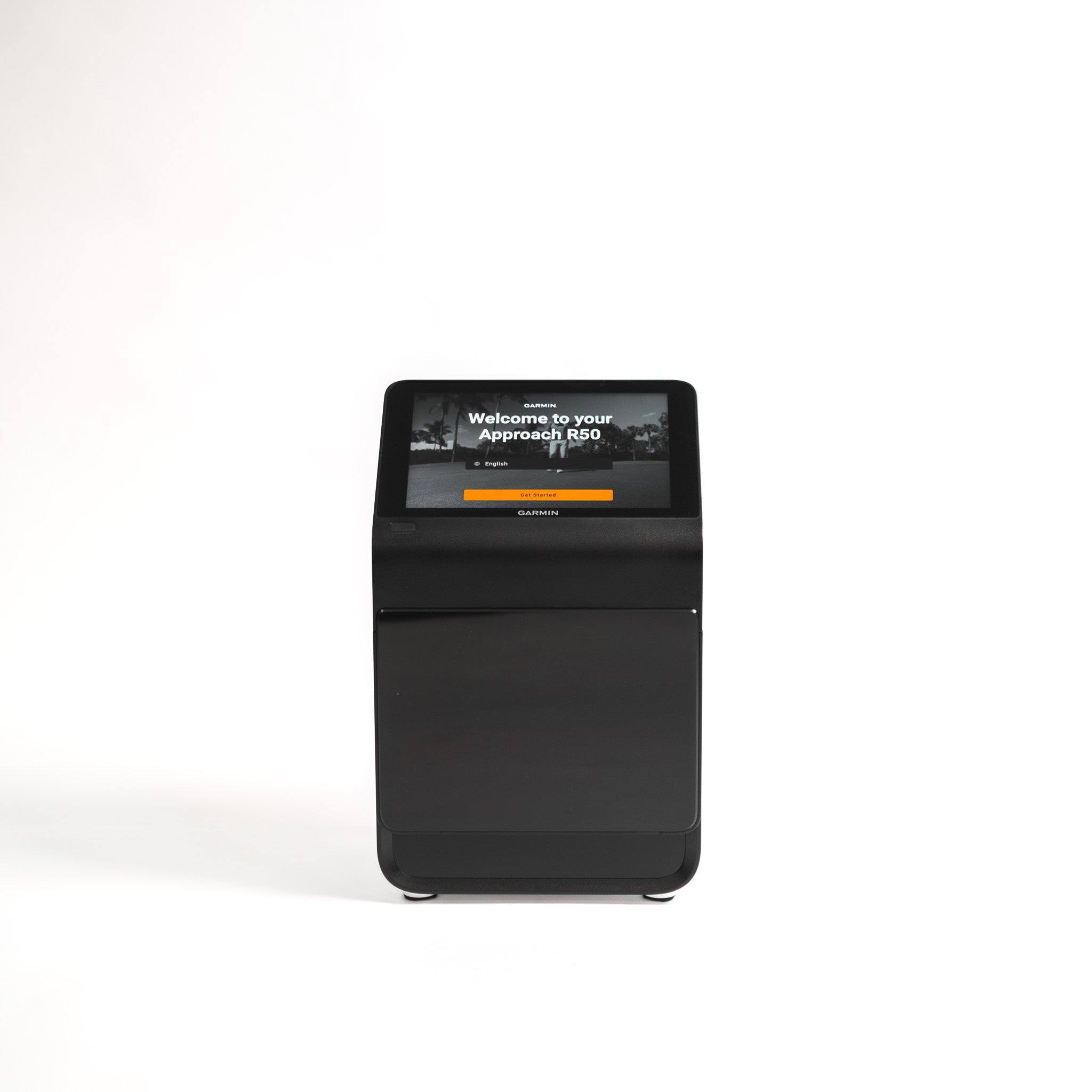
Garmin Approach R50 Moniteur de lancement et simulateur de golf
Moniteur de lancement Square Golf et housse de protection gratuite
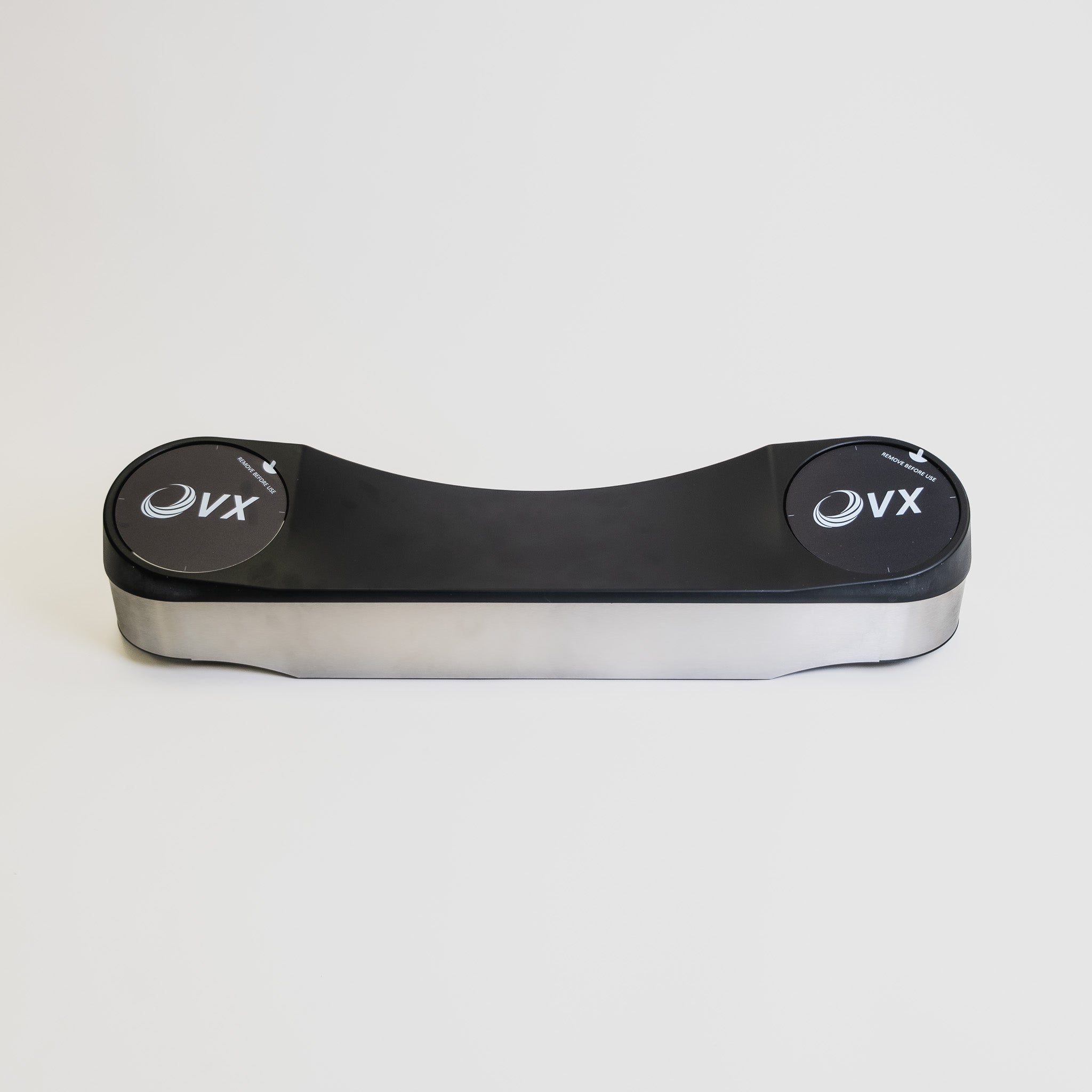
ProTee VX Launch Monitor
golf-launch-monitors Moniteurs de lancement de golf

Moniteurs de lancement de golf

All major brands to match every technical requirement and budget.

Golf GPS
golf-gps-watches Montres GPS de golf

Montres GPS de golf

Golf Watches

  • Bushnell Golf
  • Blue Tees Golf
  • Shot Scope
  • Skycaddie
  • Shop All Golf Watches

Golf Handhelds

  • Bushnell Golf
  • Blue Tees Golf
  • Skycaddie
  • Shop All Golf Handhelds

Golf Speakers

  • Bushnell Golf
  • Blue Tees Golf
  • Shop All Golf Speakers

Best Sellers

  • SkyCaddie PRO5X GPS
  • Blue Tees RINGER GPS 2.0
  • GPS portable Shot Scope H50
Rangefinders
rangefinders Télémètres

Télémètres

Shop by Brand

  • Bushnell Golf
  • Tés bleus
  • Flightscope
  • Shot Scope
  • Voice Caddie

Rangefinder Type

  • Télémètres Slope
  • Télémètres laser
  • Télémètres hybrides
  • Shop All Rangefinders

Best Sellers

  • Télémètre connecté Blue Tees Captain Air
  • Shot Scope PRO LX Télémètre
  • Télémètre laser de golf intelligent IA FlightScope i4
Accessories
title

Golf Hitting Mats

title

Artificial Golf Grass

title

Golf Simulator Projectors

title

Golf Simulator PCs & Laptops

title

Golf Simulator Software

title

Golf Training Aids

title

Launch Monitor Protection

title

Golf Enclosure Accessories

title

Golf Acoustic Tiles

title

TrueStrike Golf Hitting Mats

title

Golf Storage

title

Golf Travel Accessories

title

Golf Practice Nets

title

Golf GPS

title

Golf Swing Cameras

title

Golf Putting Mats

Deals
summer-sale SOLDES D

SOLDES D'ÉTÉ

clearance Soldes GolfBays

Soldes GolfBays

Top Deals

Enceinte pour simulateur de golf SimBox - 7 tailles
GolfBays Pro+ Golf Simulator Impact Screen
Skytrak+ Golf Launch Monitor (Includes 1 Year SkyTrak Core Software)
Optoma ZH350ST Vidéoprojecteur à courte focale + Pack mallette de sol pour simulateur de golf
GolfBays Modular Golf Putting Green

Clearance

GolfBays QuadPRO Golf Simulator Impact Screen
About

About

  • Blog
  • Rencontrez l'équipe
  • FAQ et guide sur l'écran
  • Guide du simulateur de golf
  • Centre de golf intérieur
  • Configurations personnalisées de simulateur
  • Location d'entreprise
  • Enceintes d'enseignement PGA
  • Cabines de jardin pour simulateur de golf
  • Guide des dimensions et de l’espace pour une salle de simulateur de golf
  • Coût d'un simulateur de golf au Royaume-Uni 2026
GolfBays
Golf Simulators

Golf Simulators

  • Forfaits simulateur de golf
  • Forfaits simulateur de golf premium
  • Forfaits de simulateur de golf abordables
  • Enceintes pour simulateur de golf
  • Écrans d'impact de golf
  • Simulateurs de golf pour garage
  • Cabanes de golf et pièces de jardin
  • Service de conception de simulateur de golf
  • Accessoires et extras pour simulateur de golf
  • Guide du simulateur de golf
  • Shop All Golf Simulators

Impact Screens

  • Tous les écrans de protection
  • Meilleurs écrans d'impact pour golf
  • Écrans d'impact de golf Preferred
  • Écrans d'impact de golf essentiels
  • Écrans d'impact 4K gris
  • Écrans d’impact incurvés
  • Écrans d'impact de golf rétractables
  • Écrans de frappe de golf sur mesure
  • FAQ sur les écrans d'impact de golf
  • Shop All Impact Screens

Golf Simulator Packages

  • SkyTrak + Pack simulateur de golf
  • Forfait simulateur de golf FlightScope
  • Simulateur de golf Foresight
  • Forfaits simulateur de golf Uneekor
  • Forfaits simulateur de golf Garmin
  • Paquets de simulateur de golf Square
  • Packagess ProTee VX pour simulateur de golf
  • Forfaits simulateur de golf Rapsodo
  • Shop All Golf Simulators

Best sellers

Enceinte pour simulateur de golf SimBox - 7 tailles
Skytrak ST MAX Pack simulateur de golf pour la maison (PRÉCOMMANDE)
GolfBays Pro+ Golf Simulator Impact Screen
Launch Monitors

Brands

  • Tous les moniteurs de lancement
  • Skytrak
  • FlightScope
  • Rapsodo
  • Uneekor
  • Garmin
  • ProTee
  • Trackman
  • Foresight Sports
  • Bushnell Golf
  • Idra
  • Plein essor
  • GolfJoy
  • Optishot
  • Golfzon
  • Smart2Move
  • Voice Caddie
  • AboutGolf
  • TruGolf
  • Carré
  • Shot Scope
  • Shop All Brands

Golf Simulator Software

  • Simulateur de golf — logiciel
  • Logiciels et forfaits du simulateur SkyTrak
  • E6 Connect Logiciel
  • Logiciel Flightscope
  • Logiciel GSPro
  • Shop All Software

Best Sellers

Skytrak+ Golf Launch Monitor (Includes 1 Year SkyTrak Core Software)
Uneekor Eye Mini Lite Launch Monitor
Garmin Approach R50 Moniteur de lancement et simulateur de golf
Moniteur de lancement Square Golf et housse de protection gratuite
ProTee VX Launch Monitor
golf-launch-monitors Moniteurs de lancement de golf

Moniteurs de lancement de golf

All major brands to match every technical requirement and budget.

Golf GPS
golf-gps-watches Montres GPS de golf

Montres GPS de golf

Golf Watches

  • Bushnell Golf
  • Blue Tees Golf
  • Shot Scope
  • Skycaddie
  • Shop All Golf Watches

Golf Handhelds

  • Bushnell Golf
  • Blue Tees Golf
  • Skycaddie
  • Shop All Golf Handhelds

Golf Speakers

  • Bushnell Golf
  • Blue Tees Golf
  • Shop All Golf Speakers

Best Sellers

  • SkyCaddie PRO5X GPS
  • Blue Tees RINGER GPS 2.0
  • GPS portable Shot Scope H50
Rangefinders
rangefinders Télémètres

Télémètres

Shop by Brand

  • Bushnell Golf
  • Tés bleus
  • Flightscope
  • Shot Scope
  • Voice Caddie

Rangefinder Type

  • Télémètres Slope
  • Télémètres laser
  • Télémètres hybrides
  • Shop All Rangefinders

Best Sellers

  • Télémètre connecté Blue Tees Captain Air
  • Shot Scope PRO LX Télémètre
  • Télémètre laser de golf intelligent IA FlightScope i4
Accessories
title

Golf Hitting Mats

title

Artificial Golf Grass

title

Golf Simulator Projectors

title

Golf Simulator PCs & Laptops

title

Golf Simulator Software

title

Golf Training Aids

title

Launch Monitor Protection

title

Golf Enclosure Accessories

title

Golf Acoustic Tiles

title

TrueStrike Golf Hitting Mats

title

Golf Storage

title

Golf Travel Accessories

title

Golf Practice Nets

title

Golf GPS

title

Golf Swing Cameras

title

Golf Putting Mats

Deals
summer-sale SOLDES D

SOLDES D'ÉTÉ

clearance Soldes GolfBays

Soldes GolfBays

Top Deals

Enceinte pour simulateur de golf SimBox - 7 tailles
GolfBays Pro+ Golf Simulator Impact Screen
Skytrak+ Golf Launch Monitor (Includes 1 Year SkyTrak Core Software)
Optoma ZH350ST Vidéoprojecteur à courte focale + Pack mallette de sol pour simulateur de golf
GolfBays Modular Golf Putting Green

Clearance

GolfBays QuadPRO Golf Simulator Impact Screen
About

About

  • Blog
  • Rencontrez l'équipe
  • FAQ et guide sur l'écran
  • Guide du simulateur de golf
  • Centre de golf intérieur
  • Configurations personnalisées de simulateur
  • Location d'entreprise
  • Enceintes d'enseignement PGA
  • Cabines de jardin pour simulateur de golf
  • Guide des dimensions et de l’espace pour une salle de simulateur de golf
  • Coût d'un simulateur de golf au Royaume-Uni 2026
Free Next-Day Delivery
Find Your Best Match
Excellent Customer Reviews
Best Price Guarantee

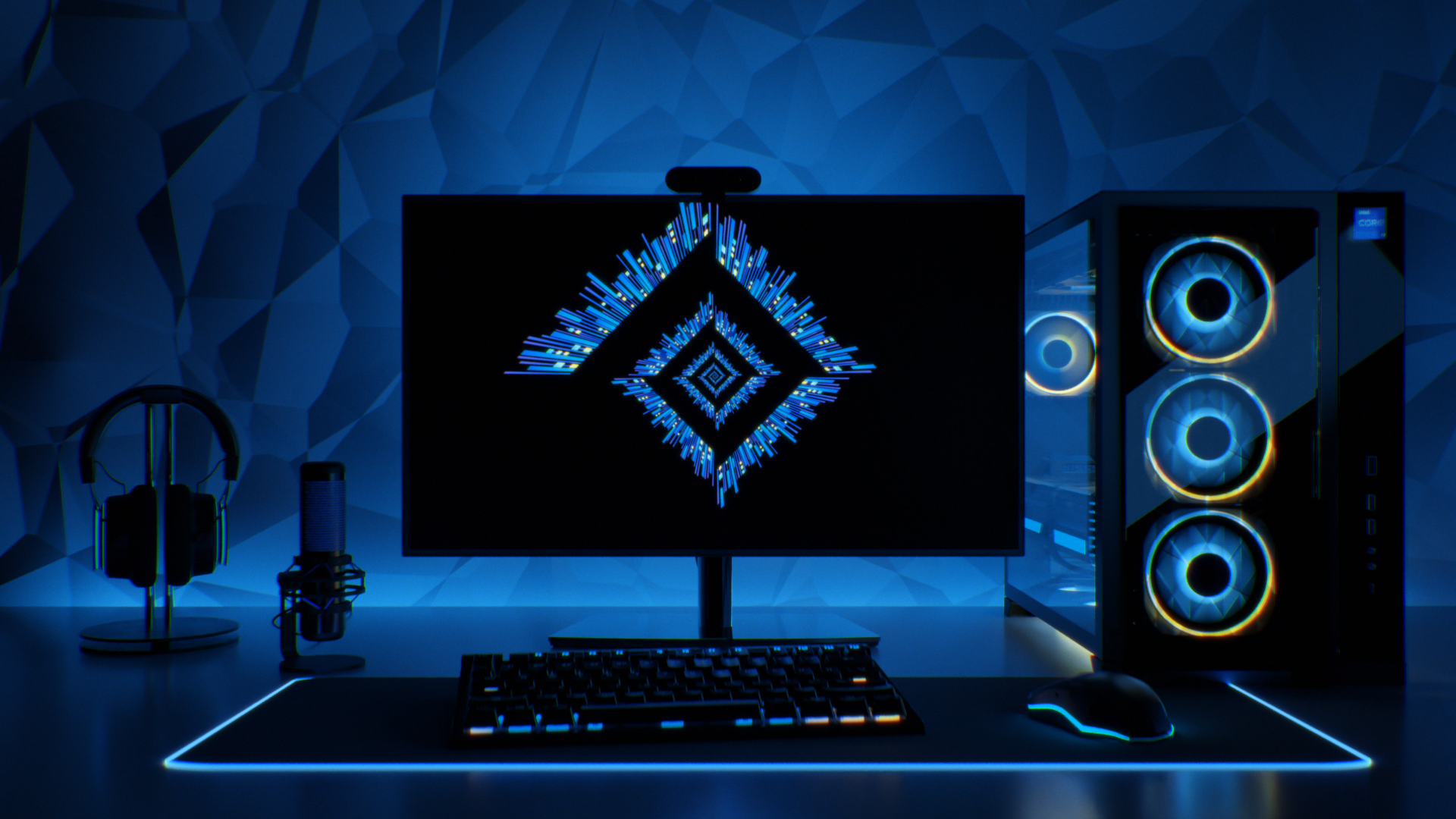
Setting Up Your Golf Simulator PC

A step-by-step guide to configuring and connecting your new PC — keep this handy while you set up.

1. Your PC Spec

ComponentHD Spec4K Spec
CPUIntel Core i7-12700KFIntel Core i7-12700KF
GPURTX 5060 Ti 8GBRTX 5070 Ti
RAM16GB high-speed32GB high-speed
Storage1TB SSD1TB SSD
OSWindows 11 (64-bit)Windows 11 (64-bit)

The HD spec comfortably runs most simulator software at 1080p; the 4K spec suits a 4K projector/TV or maxed-out graphics settings. Both use Intel + Nvidia throughout, matching what every software platform below expects.

2. Initial Windows Setup

  1. Install Windows 11 and run all Windows Updates before installing anything else.
  2. Install the latest GPU driver directly from NVIDIA's site (not just what Windows Update offers).
  3. Set Windows power plan to High Performance (Control Panel → Power Options).
  4. Disable Windows sleep/screen-timeout during simulator sessions (Settings → System → Power).
  5. Turn off unnecessary startup apps (Task Manager → Startup) to keep resources free.

3. Connect the Launch Monitor

  • CAT 6 Ethernet-wired: Some monitors (e.g. Uneekor, ProTee VX) connect via a CAT 6 cable for the lowest latency — plug it directly into the PC's Ethernet port, then install the manufacturer's software first.
  • Wi-Fi: Some units (like SkyTrak) create their own network or join your home Wi-Fi. Keep the PC and monitor on the same network, and check Windows Firewall isn't blocking the connection.

Install the manufacturer's companion app first — it usually has its own calibration and connection test tool, the easiest way to confirm the PC "sees" the device before opening the simulator software.

4. Install Your Simulator Software

Tap a software title below for its setup steps and support links.

E6 Connect (by TruGolf)

  1. Check compatibility. Uneekor, Flightscope, Garmin, NVISAGE and TruGolf units buy direct from TruGolf; SkyTrak and Foresight customers buy through those companies' own stores instead.
  2. Purchase and download the correct license variant on trugolf.com. An activation code is emailed within two business days.
  3. Install as Administrator, into the default folder — changing the install path can break monitor integration.
  4. Activate with the code on first launch (needs internet).
  5. Connect the launch monitor from the main menu's device/connect screen.
  6. Download a course and test with a few shots before calling it done.
  7. Clubhouse (optional) manages events/content across bays for multi-bay B2B setups.
  • Official site: trugolf.com/e6-connect
  • Support: use the Customer Support Portal link on the TruGolf site

GSPro

  1. Check compatibility — officially supported with Flightscope Mevo+ and Uneekor; others connect via GSPro's Open API.
  2. Buy a subscription (~$250/yr); add the Lifetime Add-On to keep access if it later lapses.
  3. Download and install from gsprogolf.com — needs a stable connection throughout, as it streams courses.
  4. Activate by logging in with the purchase account.
  5. Connect the launch monitor via Settings → Game → System → GSPro Connect. Some brands (e.g. ProTee) need a separate connector app running alongside.
  6. Pick a course from 500+ community-built options and test.
  7. Stutter? Drop shadow quality/course detail in video settings first.
  • Official site: gsprogolf.com
  • Manuals: gspro.document360.io

SkyTrak Golf

  1. Download the app from skytrakgolf.com/pages/downloads.
  2. Create/log in to a SkyTrak/SkyGolf account.
  3. Register the device via profile → About → Register.
  4. Pair it — start on Direct Mode to confirm it works, then switch to Network Mode for regular use.
  5. Position the unit level with the hitting surface; align the ball on the projected red dot.
  6. Select a plan — Basic is free (driving range only); paid tiers unlock full course play and E6/GSPro integration.
  7. Test in Practice mode before a full round.
  • Downloads: skytrakgolf.com/pages/downloads
  • Support: support.skytrakgolf.com

Flightscope Golf (FS Golf / Mevo+)

  1. Download FS Golf for PC/iOS/Android from flightscope.com.
  2. Create/log in to a FlightScope Cloud account.
  3. Set the radar type under Settings → Radar Settings → Radar Type.
  4. Power on and connect — hold power until double-beep, then connect from the app's home screen.
  5. Choose your simulator software — bundled E6 Connect course license included; GSPro, Creative Golf 3D and Awesome Golf integrate separately.
  6. Add-ons: Pro Package and Face Impact Location activate with their own codes in FS Golf.
  • Official site: flightscope.com
  • FAQ: flightscope.com/faqs

Trackman Performance Studio & Virtual Golf

  1. No separate purchase — TPS ships pre-installed and pre-integrated with the unit.
  2. Sign in with the Trackman account tied to the unit.
  3. Set up your bag via Map My Bag in the Trackman Golf app, synced into TPS.
  4. Practice tools: Performance Center, Target Practice, On-Course Practice, Test Center/Combine.
  5. Virtual Golf: pick Courses from the Entertainment tile for the course library and games.
  6. Multi-display setups are configured from the admin/Settings area.
  • Overview: trackman.com/blog
  • Support: support.trackmangolf.com

Foresight FSX Play

  1. Check specs: 64-bit Windows, 7th-gen+ Intel, Nvidia GTX 1060/RTX 2060 minimum — both PC specs clear this easily.
  2. Download from support.foresightsports.com → Software → FSX Play.
  3. Install/update — the same page covers updates and failed-update recovery.
  4. Sign in with the FSX Live account and enter any activation code.
  5. Connect the device via Player Dashboard → Devices → Search.
  6. Swing camera (optional): enable under Settings → Swing Camera.
  7. Set up players and round, then start.
  • Install guide: help.foresightsports.com
  • User manual: support.foresightsports.com

Foresight FSX Pro

  1. Prerequisite license: needs an active FSX 2018/2020 license and FSX Live account — FSX Pro itself is a free download on top.
  2. Check specs: Windows 10+ 64-bit, Intel i5/i7/i9, 8GB+ RAM, Nvidia GTX 1050 Ti+.
  3. Download and install from the FSX Pro Studio page.
  4. Sign in with FSX Live credentials tied to the FSX 2020 license.
  5. Connect the launch monitor the same way as FSX Play.
  6. Use Performance Analysis for fitting/coaching tools.
  • Install guide: support.foresightsports.com
  • User manual: support.foresightsports.com

Uneekor (Refine / Refine+ / Ignite)

  1. Identify the exact unit (EYE XO, EYE XO2, QED) — installers and guides are model-specific.
  2. Download the right software: the base installer, plus Refine/Refine+ if purchased.
  3. Install in order — base software first, then Refine/Refine+.
  4. Network setup: follow the unit's Network Setup Guide — Ethernet, not Wi-Fi, for lowest latency.
  5. Firewall/antivirus: check the dedicated guides if the connection drops — third-party antivirus is the usual culprit.
  6. Calibrate using the model-specific Calibration Guide before trusting shot data.
  7. Club stickers, if applicable, per the install video.
  • Manuals & installers: uneekor.com/support

Uneekor Gameday

  1. Subscribe: from $199/yr standalone, or bundled in the $599/yr Ultimate Package.
  2. Install alongside existing software — reuses the base unit's connection, no re-pairing needed.
  3. Two displays required — flag this before a customer buys if they run a single screen.
  4. Choose a mode: Round Play, or multiplayer Scramble/Foursome/Four Ball, plus Mini Games.
  5. On-Course Practice to drop a ball anywhere and rehearse shots.
  • Official page: uneekor.com/gameday
  • Support: uneekor.com/support

Square Golf

  1. No dedicated PC needed for basic use — Square's own app runs built-in courses directly.
  2. Install the app from the App Store, Google Play, or Square's PC download.
  3. Pair via Bluetooth — flashing blue light, then select Square Golf in-app. A USB Bluetooth adapter fixes PCs with no built-in Bluetooth.
  4. Positioning: flat ground, 42cm in front and 23cm to the side of the hitting zone, facing the golfer directly.
  5. Credits, not subscription — 1,000 credits included (~55+ rounds), pay per hole beyond that.
  6. Third-party software (E6 Connect, GSPro, Awesome Golf, PinSeeker) connects via that platform's own menu.
  • System requirements: playbetter.com
  • Support: squaregolf.co.uk/support (Zendesk: squaregolf.zendesk.com)

ProTee Labs (ProTee VX)

  1. Included, perpetual license — no extra subscription for the native ProTee Labs app.
  2. Mount and cable the unit — ceiling-mounted; connect power and Ethernet before software setup.
  3. Install ProTee Labs and let it detect the unit over the network.
  4. Third-party course software (optional) — for GSPro, run the GSPro License Conversion Tool, clear/restart the ProTee Connector, then reset GSPro Connect and select ProTee United VX.
  5. Left/right-handed setup — camera exposure settings may need adjusting when offsetting for a left-hander.
  6. Lock down Windows Updates once calibrated, to avoid a driver update breaking a working setup.
  • Support portal: csc.protee-united.com

5. Set Up the Display

  • Projector: match native resolution in Windows Display Settings (commonly 1920x1080). Set it as primary display if running multiple screens.
  • TV/Monitor: same principle — match native resolution and refresh rate.
  • For a second screen (scoring/stats), use "Extend" rather than "Duplicate" displays, and confirm in the software's settings which monitor it renders on.

6. Cabling

The projector's HDMI cable must go into the graphics card, not the motherboard. GPU outputs sit lower on the back of the case; motherboard outputs sit higher on the I/O panel. Only the GPU outputs are driven by the RTX 5060 Ti/5070 Ti — plugging into the motherboard shows nothing, or falls back to weak integrated graphics.
Extra screens need DisplayPort-to-HDMI adapters. These GPUs ship with one HDMI output plus several DisplayPort outputs. The main projector usually takes the HDMI port directly; any additional screen needs a DisplayPort-to-HDMI adapter or cable, since most monitors/projectors are HDMI-only.
  • Keep the PC away from ball-strike zones and dust — a cabinet or shelf to the side works well.
  • Use wired Ethernet for the PC itself where possible, rather than Wi-Fi.
  • Label or colour-code cables — power, USB/CAT6 to the launch monitor, HDMI to the projector, DisplayPort to any second screen.
  • Route the launch monitor's data cable separately from power cables to reduce interference, especially for camera-based units like Uneekor and ProTee.

7. Test and Calibrate

  1. Run a few practice swings and check ball speed, launch angle and spin look sensible for the club used.
  2. Check the in-software FPS counter — if it's stuttering, lower shadow/course detail settings before assuming a hardware problem.
  3. Confirm audio (impact sound, ambience) is coming through the correct output device.
  4. Do a full mock round to catch freezes, disconnects or driver crashes before first live use.

8. Ongoing Maintenance

  • Keep GPU drivers and simulator software updated — updates often include performance fixes and new courses.
  • Restart the PC periodically; long uptimes on a Windows gaming PC can lead to driver instability.
  • Keep a restore point or backup image once the setup is confirmed working, so a bad update can be rolled back quickly.
Software names and requirements above are illustrative — always check the current specs page for your specific software and launch monitor, since requirements change with updates.

VOTRE PANIER EST VIDE

PARCOURIR LES CATÉGORIES

GolfBays
ENCOFFREMENTS DE SIMULATEUR

Nos écrans de protection, leaders du secteur, ont été testés par les meilleurs — découvrez-les ci-dessous.

Packs de simulateur de golf
Lots de simulateurs

Forfaits personnalisés avec boîtiers, moniteurs de lancement et tapis.

Golf Impact Screens
Écrans de protection contre les impacts pour golf

Écrans approuvés par la PGA offrant une durabilité supérieure et une image nette

GolfBays
MONITEURS DE LANCEMENT

Toutes les grandes marques pour répondre à chaque exigence technique et à tous les budgets.

Golf Mats
Tapis de golf

Tapis de qualité professionnelle pour la pratique à domicile et les établissements d'enseignement commerciaux.

Golf Accessories
Accessoires de golf

Solutions de rangement et accessoires essentiels pour compléter votre configuration de simulateur.

Aucun résultat

Essayez un autre mot-clé

Recherche de marques, de modèles, de catégories et plus encore...

Chargement...

GolfBays

Besoin d'aide ?

Nous sommes là pour vous aider ! Choisissez une option ci-dessous.

Contactez-nous Réservez une consultation

À propos de Golfbays

Chez GolfBays, nous aidons les golfeurs à concevoir leur installation de simulateur idéale. Des conseils indépendants d'experts, des produits de qualité professionnelle et le meilleur service client au monde (selon notre équipe marketing).

VAT No: 351310545
Company No: 12623455

Liens rapides

  • À propos de nous
  • Contactez-nous
  • Retours et échanges
  • Ouvrir un compte de trading
  • Devenez affilié
  • }
  • Plan du site

Service clientèle

  • Écran - FAQ et conseils
  • Guides d'installation
  • Vidéos d'installation
  • GolfBays Centre Intérieur
  • Golf Simulator PC Set Up

Suivez-nous

  • Instagram
  • Facebook
  • YouTube

Contact : coordonnées

Adresse : Golfbays, Bellsingel 20, 1119 NV Schiphol-Rijk ,Pays-Bas

Téléphone : +33 1 85 14 95 21

Demandes commerciales : sales@golfbays.com

Support : customersupport@golfbays.com

|

© 2026 GolfBays. | Tous droits réservés.